Free · no card
Face tracking
Face tracking is following the speaker's position in the frame so that, when a clip is reframed to vertical, the person stays centered instead of being cropped out.
When you crop a 16:9 clip to 9:16, anything off-center gets cut. Face tracking solves it by detecting the subject and panning the crop to follow them, so a streamer who leans, stands or moves stays in frame without manual keyframes. ClipMe applies face-tracked reframing on every vertical cut, and keeps two speakers in frame for podcast-style content.
Related terms
See it on your own VOD
ClipMe turns one long stream into 50–100 captioned clips (graded 1–31) — automatically. Your first stream is free.
Related
Compare
Guides
More from ClipMe
Read next
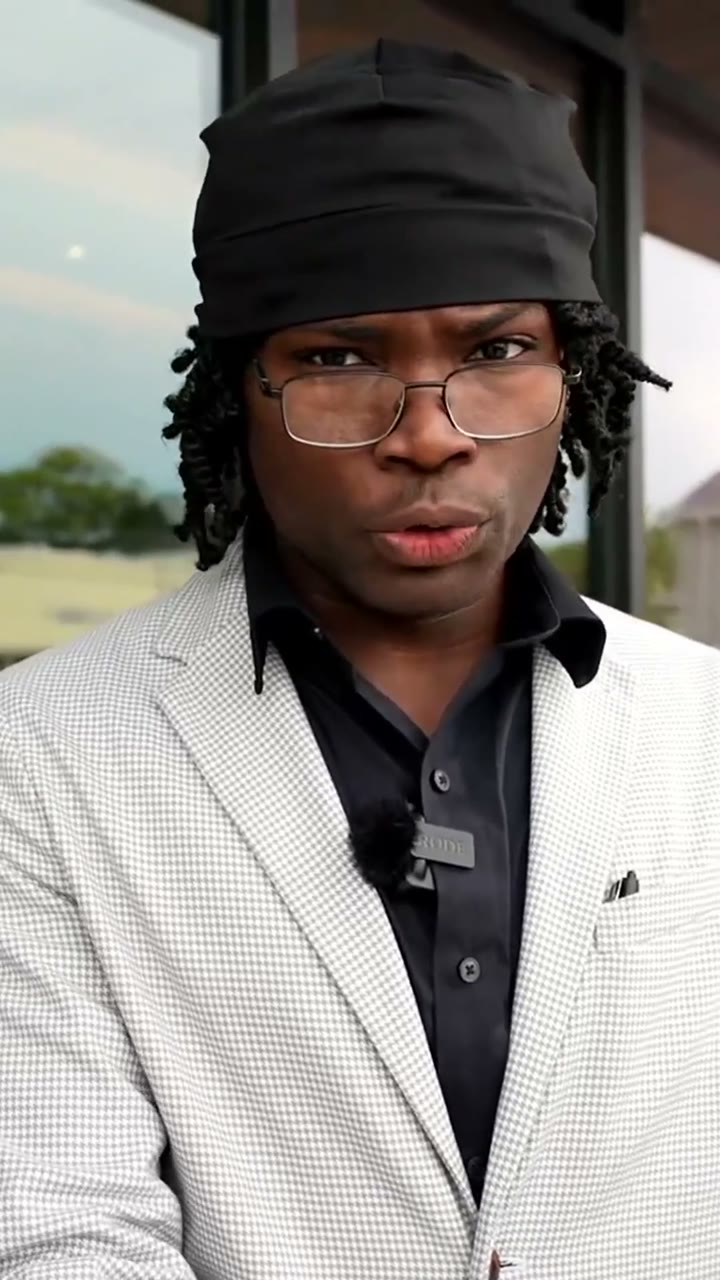
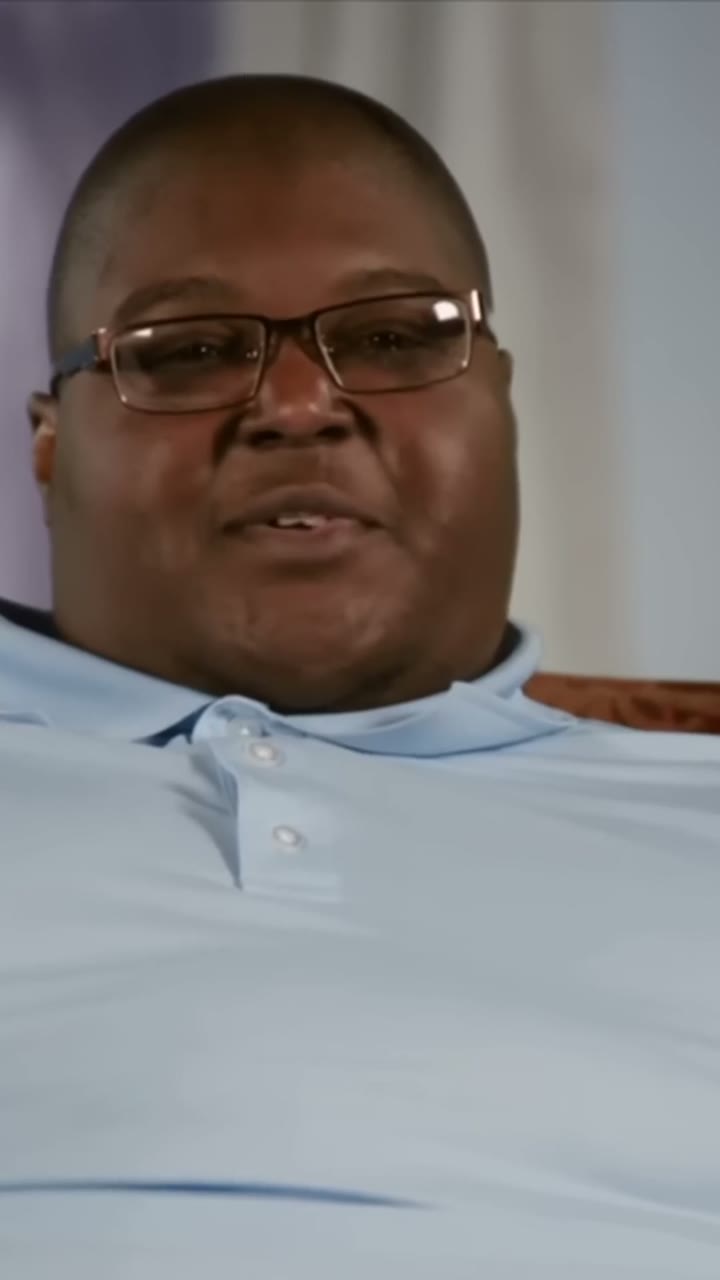




Already clipped for ddg , kentjonesofficial and more — every wall published with permission.


One link. Your clips. No card.
Kick, Twitch and YouTube — live or VOD. You get them back captioned, graded and ready to post.
Free · no card

Paste your link. Get your clips.
Clips cut and captioned while you are still live on Kick, Twitch or YouTube
Clip anything from a stream with a prompt
Published to TikTok, Instagram Reels and YouTube Shorts on your own cadence per platform
Drop a Kick link. No download, no upload, no editor to learn
Unlimited streams, B-roll on keywords, sponsor detection and 3 team seats
Word-level burned-in captions, auto-translated
Start free Get my clips Related Compare ClipMe vs OpusClip ClipMe vs Eklipse ClipMe vs StreamLadder Guides Best ai clipping tool for kick Best opus clip alternative for kick opus clip alternative Best free ai clipping tool More from ClipMe ClipMe press room State of AI clipping 2026 ClipMe en español Clip calculator: what your stream is worth in clips How to clip your own stream automatically How many clips can you get from one stream?
Read next Why Real-Time Beats Hindsight in Creator Tooling Streamers Own the Most Valuable Attention Online Your Clips Die an Hour After Your Stream Ends How to Clip Kick Streams Automatically: 3 Ways stays centered when you move Already clipped for ddg , kentjonesofficial and more — every wall published with permission.
We and our vendors use technology that collects or records personal information about your use of our site so we can improve and personalize our products and services, for analytics and marketing, and to fulfill your requests.
We may also share this information with marketing vendors, social media companies, and analytics partners, which may be considered "targeted advertising," "selling," or "sharing" under some state laws.
By using our website, you acknowledge and agree to our Terms of Use and Privacy Policy .
Stream or VOD link Where we send them Get my clips Light
Clip your stream — free to start
One Kick, Twitch or YouTube link in, 50–100 captioned clips out. Starter is free, no card.
Start free